Overview
Inexpensive, well regarded for reliability and useful from the first evening. If you are starting a smart home, start with a handful of these and nothing else.
We researched the Kasa Smart Plug EP25 (4-Pack) from TP-Link against the criteria we use for this category: manufacturer specifications, patterns in verified owner reviews, independent testing published by others, and warranty and parts support. We do not test products in-house; what follows is our analysis, including the trade-offs that tend to show up only after the first few weeks of ownership.
Key features
Compact, stack-friendly design
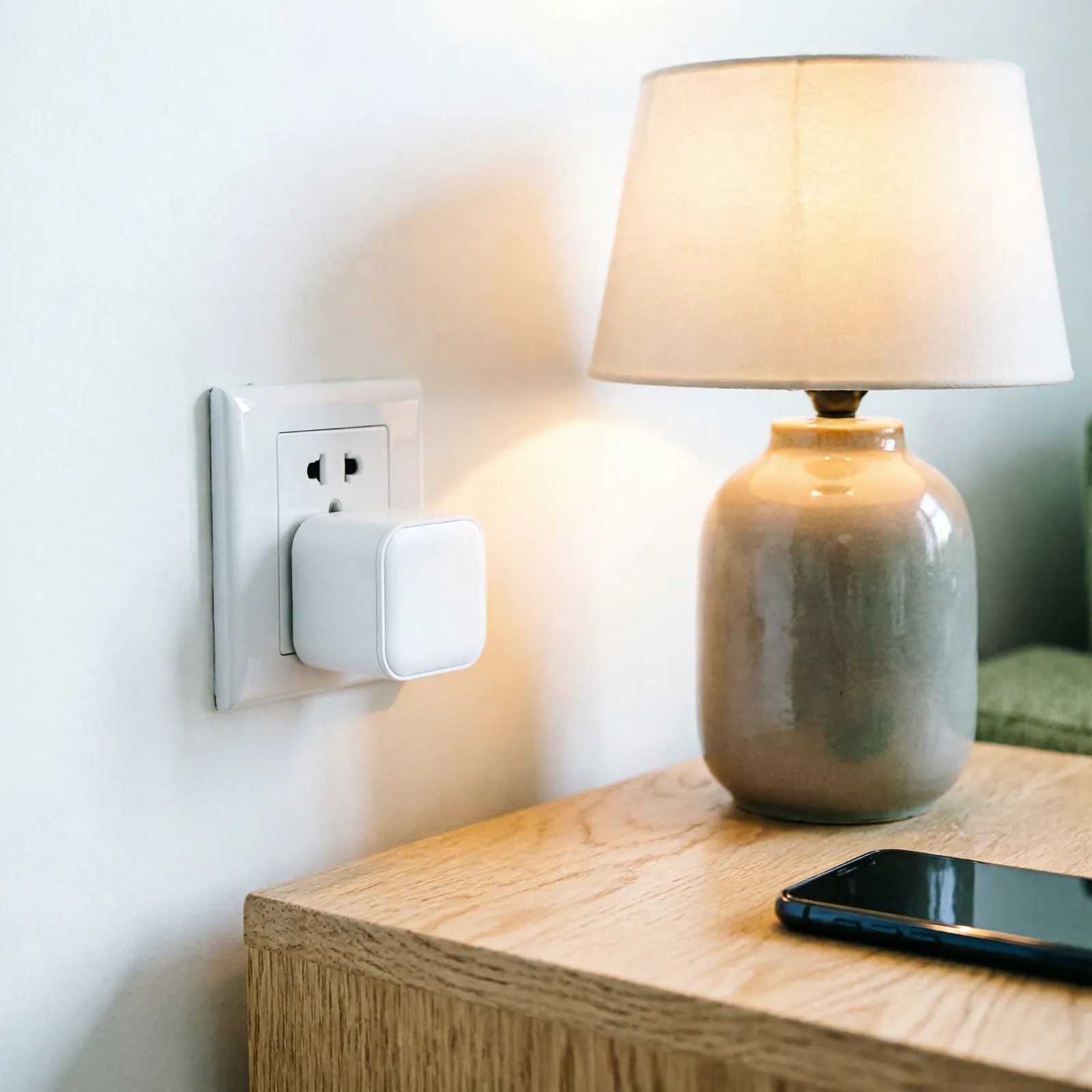
Narrow enough that a standard two-socket wall outlet can take two plugs side by side. Many rivals block the second socket entirely.
Energy monitoring
Live and historical power draw, so you can see roughly what the old spare fridge or the dehumidifier costs to run. This turns a convenience gadget into a useful one.
Cross-platform support
Works across major ecosystems rather than locking you into one. If you later move between platforms, the plugs come with you.
Schedules and away mode
Timers, sunrise and sunset triggers, and randomised away-mode lighting that makes an empty house look occupied. Simple, and genuinely effective.
Pros & cons
What we like
- Owners widely report stable connections without periodic re-pairing
- Energy monitoring at a budget price
- Works with Alexa, Google Home and Apple Home
- Compact enough not to block the adjacent socket
- No hub required — setup is a short, app-guided job
What could be better
- Setup requires a 2.4 GHz network and a Kasa account
- Energy history is not exportable in a useful format
- Slightly bulkier than the very smallest plugs
- App notifications can be noisy until configured
Who it’s for
Smart home beginners
Start with lamps and one or two appliances. It teaches the basics of automation without any risk or complexity.
Renters
No wiring, no drilling and no permanent changes. Take them with you when you move.
Anyone with standby waste
Schedule off-peak shutdown for consoles, monitors and chargers. The energy monitoring makes the saving visible.
Not for high-draw appliances
Check the 1,800 W limit. Space heaters, kettles and tumble dryers are outside the sensible range for any smart plug.
Performance & notes
Setup and reliability
Setup is app-guided and owners typically describe it as a few minutes per plug. The pattern in verified reviews is long-term connection stability without the periodic re-pairing that plagues cheaper no-name plugs — the main thing that separates decent smart plugs from frustrating ones. Most complaints trace back to networks that combine 2.4 GHz and 5 GHz bands under one name, which can complicate first-time pairing.
App quality
The Kasa app covers scheduling, timers, scenes and energy dashboards, and owner feedback generally ranks it among the clearer manufacturer apps in this category. A common complaint is that notifications are noisy out of the box, though they are easy to silence.
Automation and voice control
Sunrise and sunset schedules are stored on the plug, so they keep running even if the cloud service is unavailable. Voice control through the major assistants is well supported, and platform integration means you can run everyday automations from Apple Home or Google Home without opening the Kasa app.
Energy monitoring: what to expect
Built-in monitoring in budget plugs is designed for estimates, not billing-grade measurement, and independent testing generally finds plugs like this accurate enough to identify which devices are expensive to run. The historical view is the most valuable part. The lack of a CSV export is a genuine annoyance that owners raise repeatedly.
Specifications
Electrical
- Maximum load
- 15 A / 1,800 W (rated)
- Connectivity
- Wi-Fi 2.4 GHz
- Works with
- Alexa, Google Assistant, Apple HomeKit, SmartThings (no Matter)
- Monitoring
- Live power, daily and monthly history
Physical
- Dimensions
- 2.6 × 1.5 × 1.6 inches (listed)
- Buttons
- Power, reset
- Scheduling
- Timers, sunrise/sunset, away mode
- Warranty
- 2 years
The verdict
Our verdict
Start your smart home here
Smart home products sell complexity. This one sells simplicity: plug it in, set a schedule, and something in your house becomes slightly better. It is inexpensive, owners rate its reliability highly, and the energy monitoring turns it from a novelty into something that can genuinely pay for itself. Buy a four-pack, use two for lamps, and spend a week deciding what else deserves one.
Overall rating
4.6/5
Opens Amazon in a new tab. We may earn a commission — it never affects our recommendations.
SnagaReview is reader-supported. When you buy through links on our site we may earn an affiliate commission at no extra cost to you. Read our full affiliate disclosure.
Frequently asked questions
Do I need a hub?
No. These connect directly to your Wi-Fi and work with the app and voice assistants without any additional hardware.
Will it work if the internet goes down?
Manual control and locally stored schedules continue to work. Anything relying on cloud voice assistants will not.
Can I use it with a space heater?
We would not recommend it. High-draw heating appliances are better served by dedicated controls, and continuous high load is where smart plugs are most likely to fail.
Is my data private?
The app requires an account and reports usage to the manufacturer. If that is a concern, look at local-only alternatives.